Google Ads Government Documents Policy 2026: Who Can Still Run Visa, ETA and Passport Ads
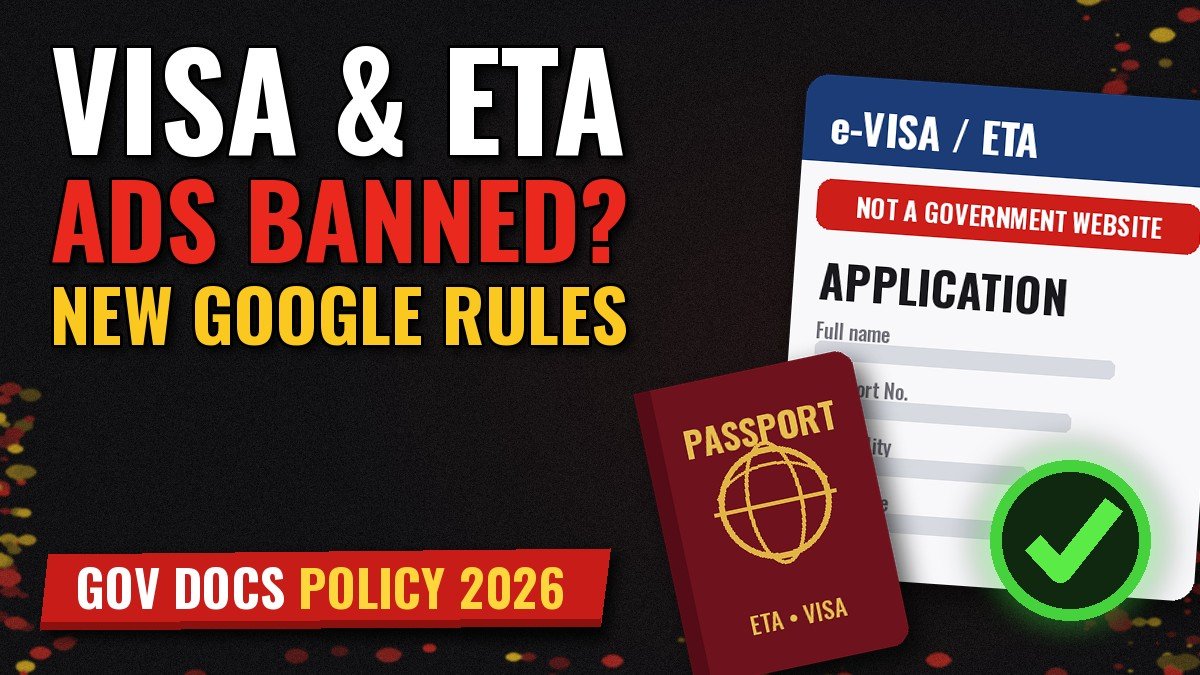
The Google Ads government documents policy changed on October 5, 2026, and the change hits visa, ETA and passport advertisers hardest. Google now spells out exactly what counts as government authorization. In short, a business license or a contract no longer gets you certified. This guide covers what changed, who can still advertise, a case study, a compliant setup and an FAQ.
What the Google Ads government documents policy says now
Google restricts ads that promote the direct acquisition of government documents and services. Only two groups may run them: governments and authorized providers. On August 4, 2026, Google announced an update to the policy. Enforcement started on October 5, 2026.
The update defines an “authorized provider” in strict terms. As a result, many third-party application services lost their path to certification overnight.
Three Google Ads government documents criteria for authorized providers
According to the Government documents and services policy page, you must meet all three conditions:
- A link from an official government site. Your domain must be linked from a public government website. That page must explicitly name you as authorized for a specific document or service.
- One authorized service per domain. Your domain may promote only the document or service named in the authorization.
- Matching geo-targeting. Your ads must target only the regions covered by the authorization.
What Google accepts and rejects as proof
Google gives examples on both sides. For instance, valid proof includes government-managed directories of accredited commercial partners. It also includes official regulatory portals that list sanctioned specialists.
However, Google will not accept the following as authorization:
- commercial contracts;
- business or trade licenses;
- entries in business registries, even government-run ones;
- articles or blog posts, even on government websites.
This is the core shift. Previously, a vague reference could look like enough. Now, a registry entry or a mention in a government blog post simply does not count.
The geo exception for travel documents
The geo-targeting rule has an important exception. Some categories are transnational by nature, so you may target users outside the issuing country. Google lists three examples:
- electronic travel visas and authorizations;
- border entrance travel documents;
- U.S.-based Trusted Traveler programs.
So an authorized ESTA or eTA provider may still target travelers in Europe or Asia. That said, the other two criteria still apply in full.
Which ads fall under the Google Ads government documents policy
The policy covers far more than visas. Google publishes a comprehensive list of restricted categories. Here are the main ones:
- regional ID numbers, such as an SSN in the U.S. or an NIE in Spain;
- birth and death certificates;
- name or address changes;
- business identifiers, such as an EIN in the U.S. or a CRN in the UK;
- criminal background checks, such as a DBS check in the UK;
- health and welfare benefits;
- unclaimed tax rebates;
- electronic travel visas and authorizations, including ESTA, EVUS and Canada’s eTA;
- passports, including expedited processing;
- border entrance documents, such as passenger locator forms.
Google Ads government documents: regional and business exclusions
Some regions are excluded from specific categories. For example, business identifier ads in Colombia, France, India and Peru do not need authorization. Likewise, criminal background check ads in Argentina, Brazil, Colombia and Spain are excluded. Even so, you still have to apply for the exclusion. Otherwise, your ads may get disapproved by mistake.
The automatic “Not a government website” label
There is another detail that affects CTR. When users appear to search for government documents, Google adds a “Not a government website” disclosure. This applies to all Search ad formats. Only certified government providers avoid the label. Therefore, plan your copy around it rather than against it.
Statistics: why Google tightened the rules
The policy change did not come out of nowhere. Government impersonation is one of the costliest fraud types. Here are the numbers.
- Americans reported losing about $920 million to government impersonators in 2025, up from $789 million in 2024, according to the FTC.
- Total imposter scam losses reached $3.5 billion in 2025. In addition, nearly one in three fraud reports involved an imposter.
- Overall reported fraud losses hit about $16 billion, the highest on record.
- Google blocked or removed over 8.3 billion ads in 2025 and suspended 24.9 million accounts, per its 2025 Ads Safety Report.
- Misrepresentation alone accounted for more than 421.5 million blocked or removed ads.
- Google also removed 602 million scam-related ads and suspended 4 million scam-linked accounts.
The FTC release even notes that imposter scams reach people through search engine results. In other words, regulators see paid search as one of the entry points. Google’s response is a stricter definition of who may advertise.
The price gap that drew regulators’ attention
Fee transparency is the other part of the story. For example, the official ESTA fee rose from $40.27 to $40.62 on October 16, 2026, as iVisa reported based on the DHS notice. Users can apply directly on the official CBP ESTA website. So any service fee on top of that must be clear. Otherwise, the ad risks a Misrepresentation violation as well.
How to get certified for Google Ads government documents ads
Certification follows a two-step process. Here is the order that saves time.
Step 1: Apply for certification
First, choose the right option in the application form. There are four choices:
- government provider;
- authorized, non-government provider;
- regional or business exclusion;
- not in scope, because you do not promote government documents at all.
Next, prepare the link to the government page that names your domain. Without that link, the authorized provider option will fail.
Step 2: Complete advertiser verification
After Step 1, Google sends an email and an in-account notification. Then you complete advertiser verification, unless you already passed it. The verification status may take 5 to 7 business days to update. Finally, the certification decision typically arrives within 10 to 12 business days.
Keep the details consistent. The business data in verification must match the data in your application. Also check your business name in ads, because Google now checks it against your domain. We covered that in our guide to the Google Ads business name policy.
Warning before suspension
Here is some good news. Violations of this policy do not lead to an immediate suspension. Google issues a warning at least 7 days before it suspends an account. Use that window to fix the issue or file an appeal. Our Policy Manager and appeals guide shows how.
What the Google Ads government documents update means for media buyers
For affiliates and agencies, the practical impact is simple. The classic “helper site” model with several visas on one domain is over. Instead, each domain now needs one authorized service and a government page that links to it.
Also, expect fewer competitors in the auction. Teams without real authorization will drop out of Search. As a result, certified providers may see less pressure on CPCs. However, the “Not a government website” label still caps CTR, so your copy must win trust fast.
Finally, keep accounts separate. Do not mix a certified government documents domain with unrelated offers in one account. One violation elsewhere can put the whole account and its certificate at risk.
Case study: a visa helper site after October 5
Note: this is an illustrative case. It is a composite based on typical situations in this niche, with no real client data. The numbers show the logic, not a promised result.
The starting point
A small team ran a third-party site for several e-visas and ETAs. The site charged a service fee for form checks and support. Its certification relied on a business license and a contract with a local agent. After October 5, both documents stopped qualifying as proof. As a result, the ads went into disapproval.
The decision
The team reviewed three options. First, they could find a government directory of accredited agents for one document. Second, they could switch to a pure consultancy and editorial model and apply for an out-of-scope exclusion. Third, they could exit the niche.
In the end, they split the business. One domain kept a single e-visa, where the issuing government publishes a list of accredited agents. The team completed that government’s accreditation, and the official page now links to the domain. Their second domain became a guide site with no form submission and no direct acquisition.
Outcome of the split
The certified domain returned to Search with one service and a clear fee breakdown. Volume dropped compared with the multi-visa site. However, the account no longer lived under the threat of disapprovals. Meanwhile, the guide site needed its own exclusion and an entirely different monetization model. The main lesson: one domain, one authorized service, one clean story.
A compliant setup: authorized eTA provider on Search
This setup fits a provider listed on an official government page. The budget and targets below are illustrative. Check them against your own data before launch.
Setup parameters
- Offer: assisted application for one electronic travel authorization, with a transparent service fee shown next to the official fee.
- Geo: travelers in the UK, Germany and France. The transnational exception allows this.
- Campaign type: Search only. Separate campaigns for brand, generic “apply” terms and “status/renewal” terms.
- Account: an agency account with completed advertiser verification and an approved certificate.
- Test budget: $150 per day for 14 days, then +20% steps every 3 to 4 days.
- Bidding: Maximize conversions until about 50 conversions, then Target CPA.
Creative
Write the ad to survive the automatic label. Since “Not a government website” appears anyway, lean into transparency:
- “Private Service. Not Affiliated With the Government”
- “Official Fee Plus Our Service Fee, Shown Upfront”
- “You Can Also Apply on the Official Site”
- “Document Check by Human Reviewers”
Also, never use government logos, seals or wording like “official application”. That is a direct path to a Misrepresentation flag.
Landing page and conversions
The landing page should state that you are a private company. It should also link to the official application site and show the full price before checkout. Our guide to Google Ads destination requirements covers the technical side.
Track a paid order as the primary conversion. Keep form starts as secondary. As a benchmark for the test, cost per paid order should stay below your gross margin per order. If it does, scale. If not, narrow keywords and fix the landing page first.
Geo-targeting detail
Use “Presence” targeting, not “Presence or interest”. Otherwise, you will pay for users who only research the destination. We explain the difference in our article on location targeting: presence vs interest.
Common mistakes under the Google Ads government documents policy
- Promoting several documents on one domain, when the authorization covers only one.
- Using a business registry entry as proof of authorization.
- Targeting countries outside the authorization for non-transnational documents.
- Hiding the official fee or the link to the official site.
- Running a “guide” site that secretly collects applications.
- Trying to hide the real page from reviewers. Cloaking violates Google’s policies and leads to suspension.
Speaking of the last point, a white page is not a loophole for restricted categories. Our guide to compliant white pages explains where the line is.
Where PPC Rebels fits in for Google Ads government documents niches
A certificate is only half the job. You also need an account with history, solid limits and a clean billing profile. That is where PPC Rebels helps. We provide Google Ads agency accounts for high-risk niches. We also help teams prepare for verification and certification.
In addition, check our services directory for vetted tools for media buyers. And if you run a service for performance marketers, see our advertising options.
Quick checklist
- An official government page links to your domain by name.
- The domain promotes only the authorized document or service.
- Geo-targeting matches the authorization, unless the transnational exception applies.
- Advertiser verification is complete, and the data matches.
- The landing page states you are private and links to the official site.
- The official fee and your service fee are both visible.
Google Ads government documents policy FAQ
When did the updated policy take effect?
Google began enforcing the update on October 5, 2026. It announced the change on August 4, 2026.
Does a business license prove authorization?
No. Google explicitly rejects commercial contracts, business licenses and business registry entries as proof.
Can an ESTA provider target users outside the U.S.?
Yes, if it is an authorized provider. Electronic travel authorizations fall under the transnational exception.
Will my ads show “Not a government website”?
Yes, in most cases. Google adds the label to relevant Search ads unless you are a certified government provider.
How long does certification take?
Typically 10 to 12 business days after successful advertiser verification. Verification itself may take 5 to 7 business days to update.
Will Google suspend my account right away?
No. For this policy, Google sends a warning at least 7 days before any suspension.
My site only offers guides. Do I need certification?
If your ads get flagged but you do not facilitate direct acquisition, apply for an out-of-scope exclusion. However, the site must truly offer no application service.