Google Shopping in 2026: Why the Feed Wins the Auction — Product Data, Structure and Margin
In Search you compete with ads, in feeds with creatives — but in product ads the winner is decided by something invisible in the dashboard: the feed. Google Shopping in 2026 is essentially SEO for your product feed plus margin-based bidding: whoever has cleaner product data gets more relevant impressions, cheaper clicks and higher conversion. Dashboard settings merely distribute what the feed has earned.
Let’s break down how to optimize the feed to win impressions, how to structure product campaigns by margin and product role, and how to hold the economics with tROAS and a weekly product report.
The feed decides: SEO for product data
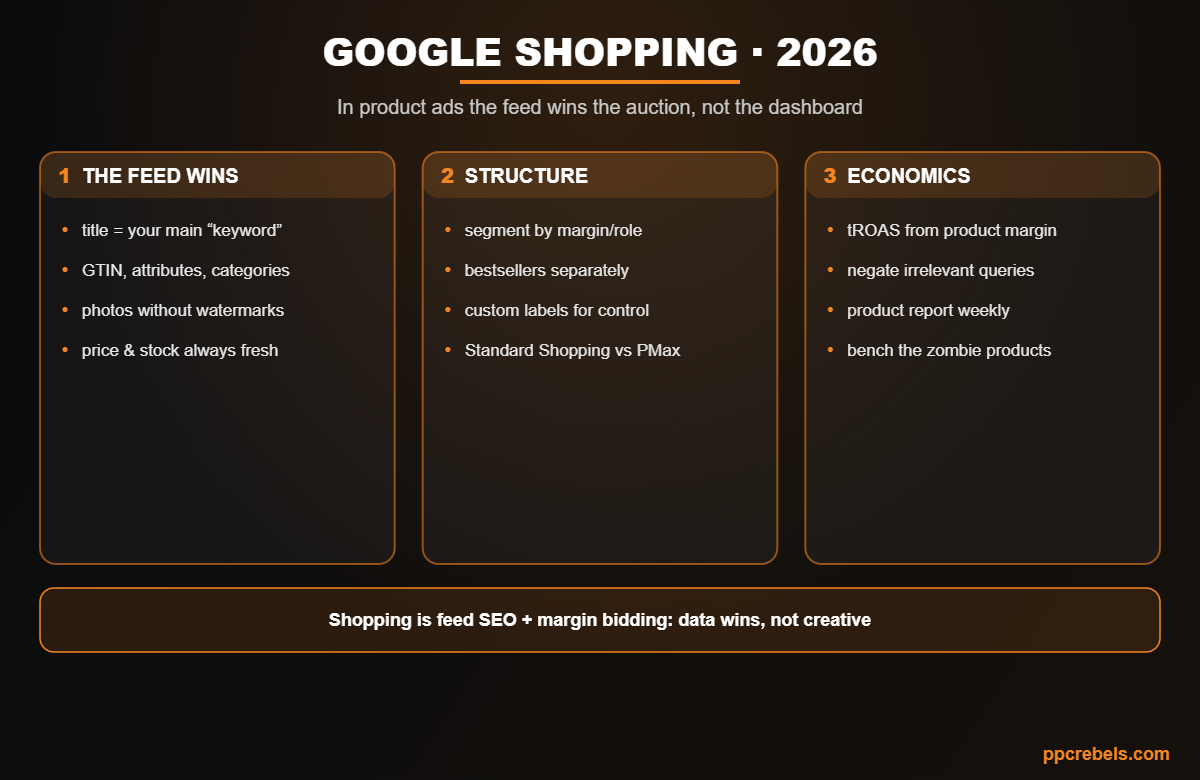
- The title is your main “keyword.” Use “Brand + model + key attribute (size/color/volume)” with the important words first: Shopping matches queries against the feed, and a weak title = no impressions. The semantic matching logic is the same as with match types.
- Attributes fully filled: GTIN/MPN, brand, Google taxonomy category, color, size, gender, material. Empty fields = lower relevance and reach.
- Photos: clean background, no watermarks or promo overlays (those get disapproved), multiple angles.
- Price and stock always fresh: site-feed mismatches lead to disapprovals; automate updates and watch Merchant Center diagnostics.
Structure: not all products are equal
- Segment by margin and role: bestsellers, high-margin items, traffic drivers and the long tail — in separate campaigns/groups with their own targets. The tool is custom labels in the feed.
- Standard Shopping vs PMax: standard campaigns give query and per-product bid control; Performance Max with a feed brings reach and automation. The working combo: the core under control + PMax for scale, with brand hygiene.
- Query negation: in Standard Shopping it’s your direct traffic-quality lever; watch irrelevant and cheap-intent queries.
- Campaign priorities — so bestsellers don’t get eaten by the tail on generic queries.
Economics: bid from the product’s margin
- tROAS per margin segment, not one for the whole account: a 15%-margin and a 45%-margin product can’t share a target — the math is in the bidding strategies guide.
- A weekly product report: who gets impressions without conversions, who eats budget, who gets no impressions at all (a feed or bid problem).
- Zombie products (spend without sales over time) go to the bench or a low-bid “holding pen.”
- A periodic Merchant Center + campaigns audit — disapprovals, conflicts, duplicates — per the layered logic of the account audit.
Common mistakes
- ERP-style titles instead of a query scheme — and zero impressions.
- One tROAS across a catalog with mixed margins.
- Promo overlays on photos and price mismatches — disapprovals in batches.
- The whole catalog in one campaign with no segmentation.
- Ignoring the product report while zombies quietly eat the budget.
FAQ
With the feed: query-scheme titles, complete attributes, clean photos, fresh prices. That yields more than any bid tweaks.
Both: the core (bestsellers, high margin) in Standard with query and bid control; PMax with the feed for reach and the long tail, with brand exclusions.
By margin and product role via custom labels: bestsellers, high margin, traffic drivers, tail. Each segment gets its own tROAS target and budget.
Three typical causes: a Merchant Center disapproval (check diagnostics), a weak title/attributes (no query match), or a bid target too low for the auction.
Prices and stock — as often as possible (auto-feed/API); content attributes — as you improve them. A site-feed price mismatch is a straight path to product suspensions.
Bottom line
Google Shopping in 2026 is data discipline: a feed with query-driven titles and full attributes wins impressions, margin segmentation allocates budget, unit-economics tROAS protects profit, and the weekly product report switches off the zombies. Feed first — everything else second.
Related reading: Shopping Campaign Priority and Inventory Filters in 2026